
Queen's Domain Save Guide: Crystal Monuments, Fast Travel
How to save in Queen's Domain: Crystal Monuments, Rest rules, death penalties, Travel Crystal Fragments, Wing Altars, and Steam Cloud support.
FAQ
Does Queen's Domain autosave?
What happens when you die in Queen's Domain?
Where is the PC save file located?
Does Queen's Domain support Steam Cloud?
Saving in Queen’s Domain is deliberately harsh: only Crystal Monuments write checkpoints, and death rewinds to that file. Fast travel is a separate layer—Wing Altars, one-shot fragments, and shortcuts you unlock by playing. This guide states only what launch-week walkthroughs and store pages confirm as of 2026-11-02.
How Do You Save at a Crystal Monument?
Crystal Monuments are stone save pillars found throughout the Isle of Neasied, Obmuer Temple, Tower of Knowledge, and later regions. Interact with one to open a menu.
| Menu option | Confirmed effect |
|---|---|
| Save | Writes your current progress to that slot; this is your checkpoint. |
| Rest | Refills Life Points and removes negative status effects. |
| Shop | Appears after you defeat the Shrine Guardian and earn the Stone Duck Figurine; any monument can then teleport you to Umbada’s store. |
Save after major objectives, not only when you are low on health. Saving has no downside beyond the time to interact.
There is no autosave and no background checkpoint when entering bosses or crossing zone lines.
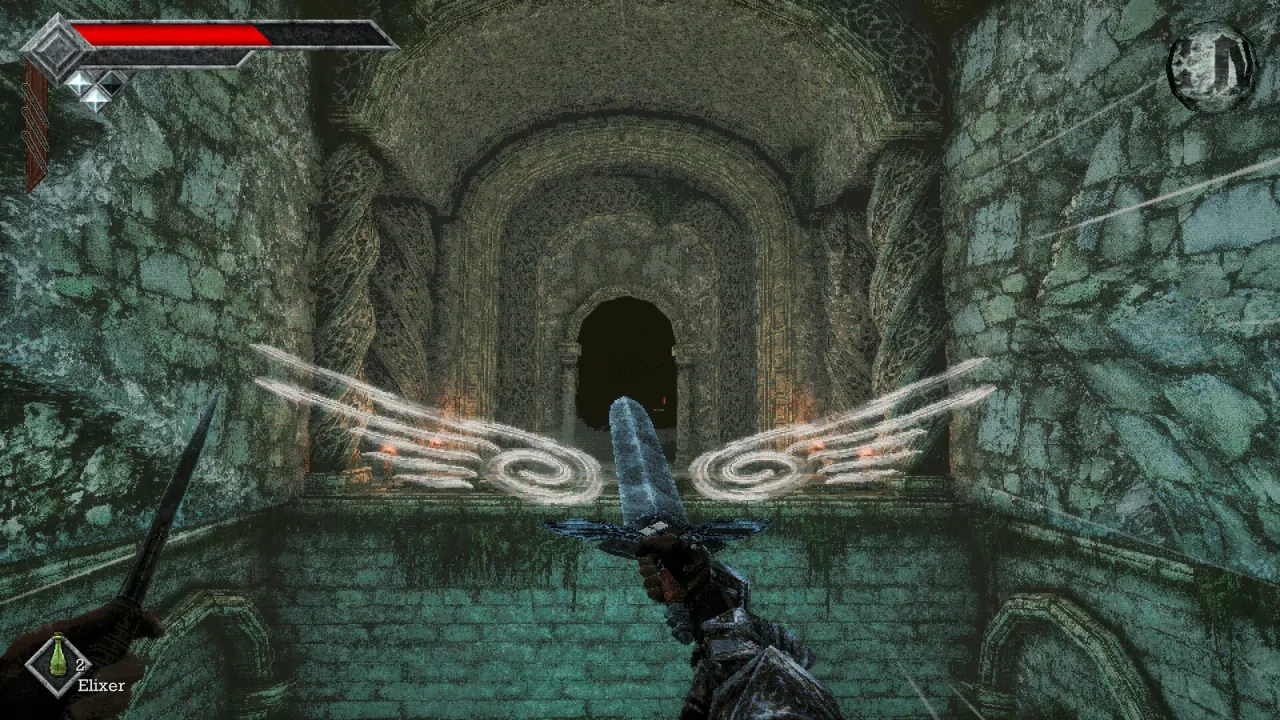
What Does Rest Do—and What Resets?
Rest is a full heal and debuff cleanse tied to the same monument you save at. The tradeoff is enemy state:
- Rest respawns enemies in the associated area, so a cleared route may be hostile again on the walk back.
- Enemies also respawn on a timer even if you skip Rest, so “cleared” halls do not stay empty forever.
Healing items (Dried Herbs, Elixir tiers, Panacea, etc.) remain valuable when you do not want a respawn sweep. Many players Rest only when debuffed or out of supplies, but still Save before risky jumps or boss attempts.
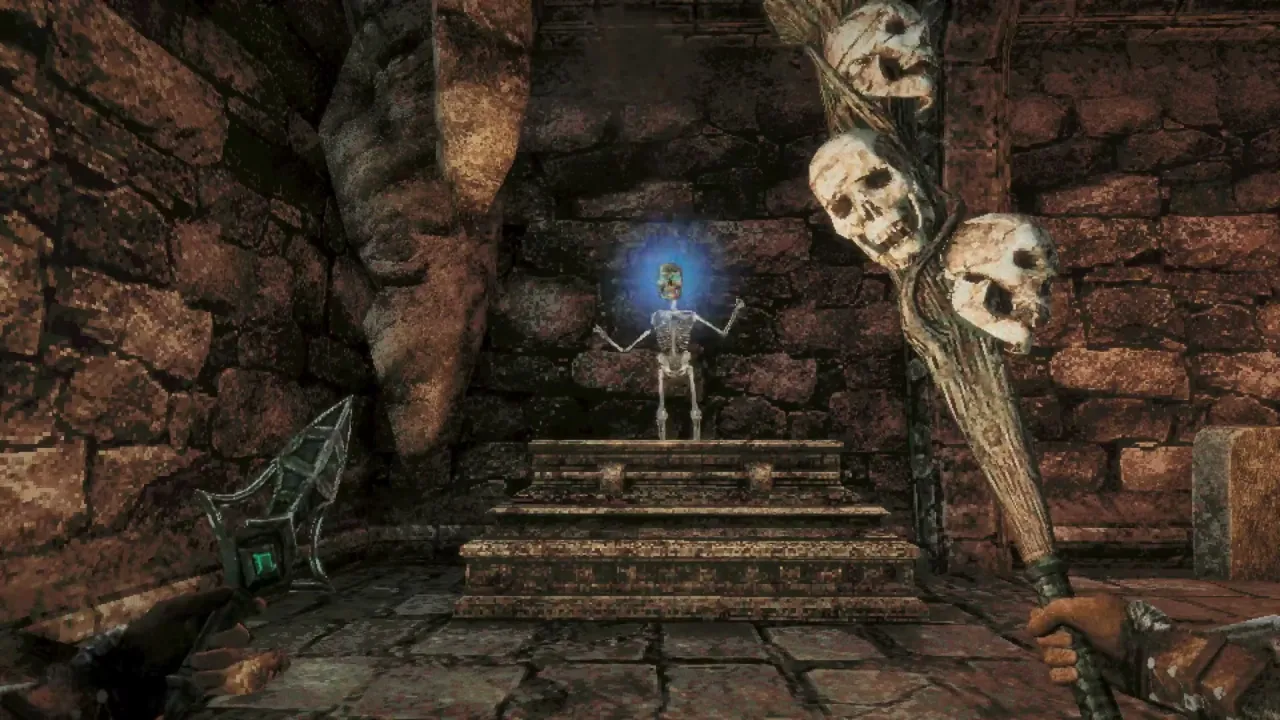
What Happens When You Die?
Death returns you to the last Crystal Monument where you saved, and anything done afterward is lost until you replay it.
Launch guides did not describe losing carried Ancient Coins or inventory separately from that reload—only unsaved progress vanishes. If you picked up coins but never saved, assume they disappear with the unsaved session; if you saved after banking them, walkthroughs imply they stay.
Pair frequent saves with the beginner guide stamina basics so fewer deaths happen in the first place.
What Is a Travel Crystal Fragment?
A Travel Crystal Fragment is a consumable item found in world crates—commonly cited inside the broken tilted tower once you can air dash to the lower ledge on the Isle of Neasied route.
Using it teleports you to the last Crystal Monument you used (wording varies between “used” and “saved at”). Treat activating Save or Rest at a monument as anchoring the fragment.
Because the item is consumed, save it for:
- Escaping a deep dungeon without backtracking blind.
- Recovering after a navigation mistake with no nearby monument.
- Aborting a boss try when you forgot to save at the door.
It does not replace manual saves—it only snaps you back to an anchor you already established.
What Are Wing Altars and How Does Fast Travel Work?
Three fast-travel tools show up in beginner coverage:
| Method | Behavior |
|---|---|
| Wing Altar network | Waypoints you discover; generally one altar per zone. After activation, travel between altars you have found. |
| Travel Crystal Fragment | One-use return to your last Crystal Monument anchor. |
| Wing Stone Fragment | One-use travel from anywhere to any discovered Wing Altar. |
The Well Travelled achievement (GameFAQs / trophy lists) requires activating every Crystal Monument and Wing Altar, confirming altars are distinct interactables from monuments.
When do you unlock your first fast-travel waypoint?
The Obmuer Temple route describes a lit spire near Erma’s cave path as a fast travel point you activate after lighting nearby gargoyle beacons—then travel back to the Isle of Neasied. Beginner terminology maps these spires to the Wing Altar system.
Until you activate that network, exploration is on foot plus Endu dashes (Holy Sword Endu) and region shortcuts (elevators, opened gates).
How Does This Tie Into the Rest of the Wiki?
- Boss checkpoints: Save at the monument outside Shrine Guardian before the Endu Shrine gauntlet.
- Obmuer progression: The Obmuer Temple walkthrough covers the first spire activation and interior monuments.
- Traversal gates: Extra Wind Gems expand dashes; they do not replace Wing Altars for cross-zone trips.
Steam Cloud and Console Saves
The Steam listing includes Steam Cloud among features. No launch guide reviewed here documented upload frequency, offline play limits, or cross-PC sync conflicts. Console versions (PS5, Xbox Series X|S, Switch 2 per store metadata) likely use platform save systems; treat details as unverified unless you confirm in-system.
PC path (Windows):
C:\Users\USERNAME\AppData\Local\QueensDomain\Saved\SaveGames
Sources
- TechRaptor — Beginner tips — no autosave, death reload, Wing Altar trio, save path
- TechRaptor — Isle of Neasied walkthrough — Travel Crystal Fragment placement, save habits
- TechRaptor — Obmuer Temple walkthrough — fast-travel spire activation
- GameFAQs — Achievements — Well Travelled wording
- Steam store page — Steam Cloud feature flag
Details reflect the 2026-11-02 launch version; report corrections to [email protected].
Related Articles
bosses
Queen's Domain Shrine Guardian: Location, Attacks, Rewards
Shrine Guardian boss guide for Queen's Domain: Endu Shrine fight, overhead cleaver tells, Rusted Spear tips, Stone Duck Figurine, and Holy Sword Endu.
guides
Queen's Domain Achievements Guide: All 53 Steam Trophies
All 53 Queen's Domain Steam achievements grouped by story, exploration, combat, and collections—with official unlock wording from launch-week sources.
guides
Queen's Domain Beginner Guide: Combat, Saving, First Steps
Queen's Domain beginner guide: stamina combat, charge attacks, Endu dashes, saving at Crystal Monuments, and what to do first on the Isle of Neasied.
Was this helpful?
Thanks for the feedback!